
Desktop Studio Audio Line Switcher: Balanced Signal Routing for Monitors, Sources, and Outboard
Passive Balanced Signal Routing for Monitors, Sources, and Outboard
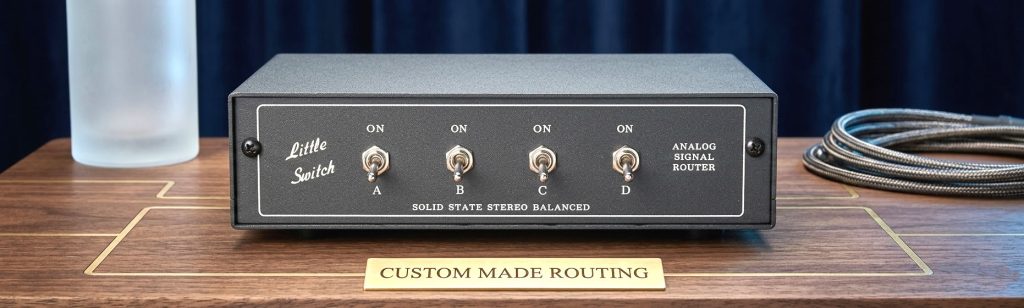
A desktop studio audio line switcher lets you route balanced audio signals between multiple sources and destinations without unplugging cables. One unit can handle monitor switching, source selection, or outboard routing — all in a passive, no-power desktop format that sits on your studio desk without taking up rack space. Unlike complex patchbay setups, switching happens instantly with a front-panel switch, while all connections remain permanently wired.
Key Features
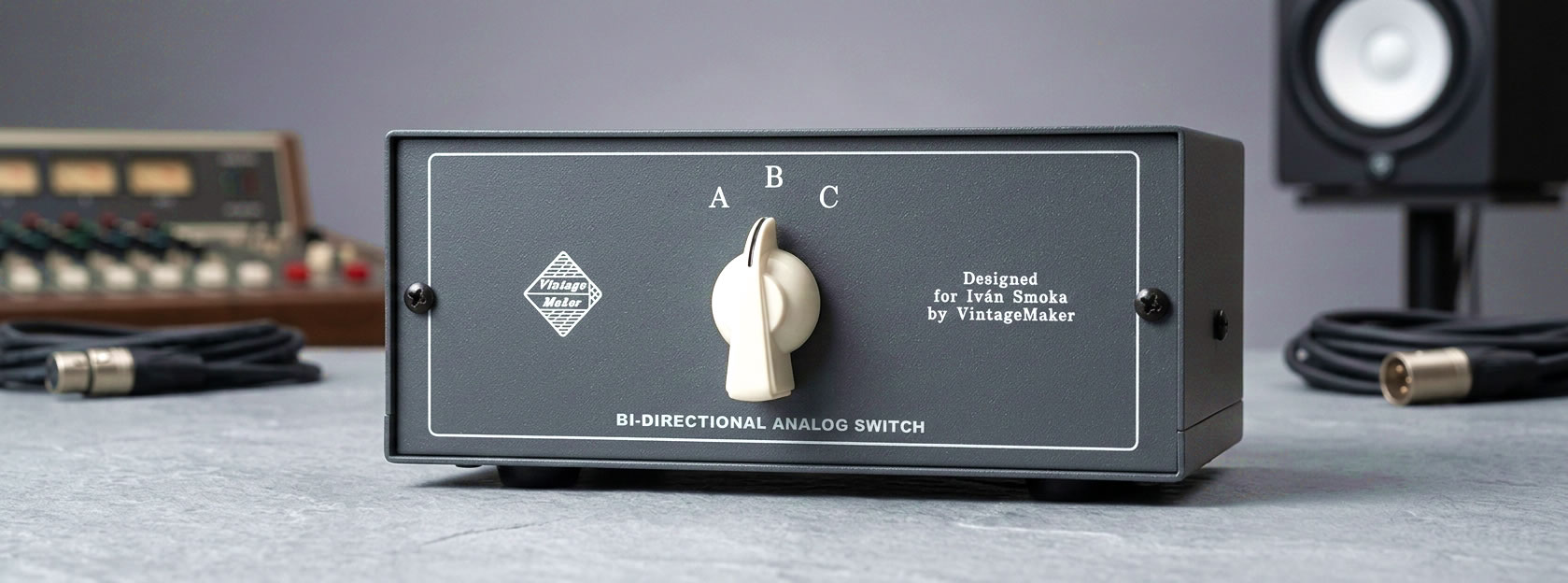
▸ Fully balanced dual-stereo signal path – Designed for professional studio equipment with balanced connections.
▸ Zero crosstalk — isolated left and right signal paths – No electrical relation between L and R sides. The stereo image passes through unchanged.
▸ Does not affect stereo image – Passive switching with no shared circuitry between channels — what goes in comes out.
▸ Passive balanced signal routing – No active circuitry, no gain stages, and no power supply in the signal path.
▸ Flexible studio routing – Switch between monitors, sources, or outboard processors without repatching cables.
▸ Multiple switching topologies available – Monitor switching, source selection, insert switching, and custom routing configurations.
▸ Compact desktop format – Sits directly on a studio desk or meter bridge without using rack space.
▸ Handbuilt studio hardware – Each unit is assembled to order with high-quality components and durable switching hardware.
What Is an Audio Line Switcher and When Do You Need One?
In a recording studio, a line switcher solves a simple but common problem: you have more sources and destinations than you want to manually reconnect between sessions. Instead of repeatedly unplugging cables, a switcher allows you to change routing instantly. Common scenarios include:
Multiple monitor systems
Near-field and far-field monitors can be switched instantly during mixing.
Several audio sources feeding one monitor chain
DAW outputs, hardware synths, tape machines, or reference players can all feed the same monitoring system.
Outboard gear comparison
Insert or bypass compressors, EQs, or tape processors in the signal path.
A/B signal comparison
Compare processed vs. dry signals, two mixes, or two signal chains.
For many studios, a desktop audio switcher functions as a practical alternative to constant cable repatching.
Fully Balanced Passive Signal Path
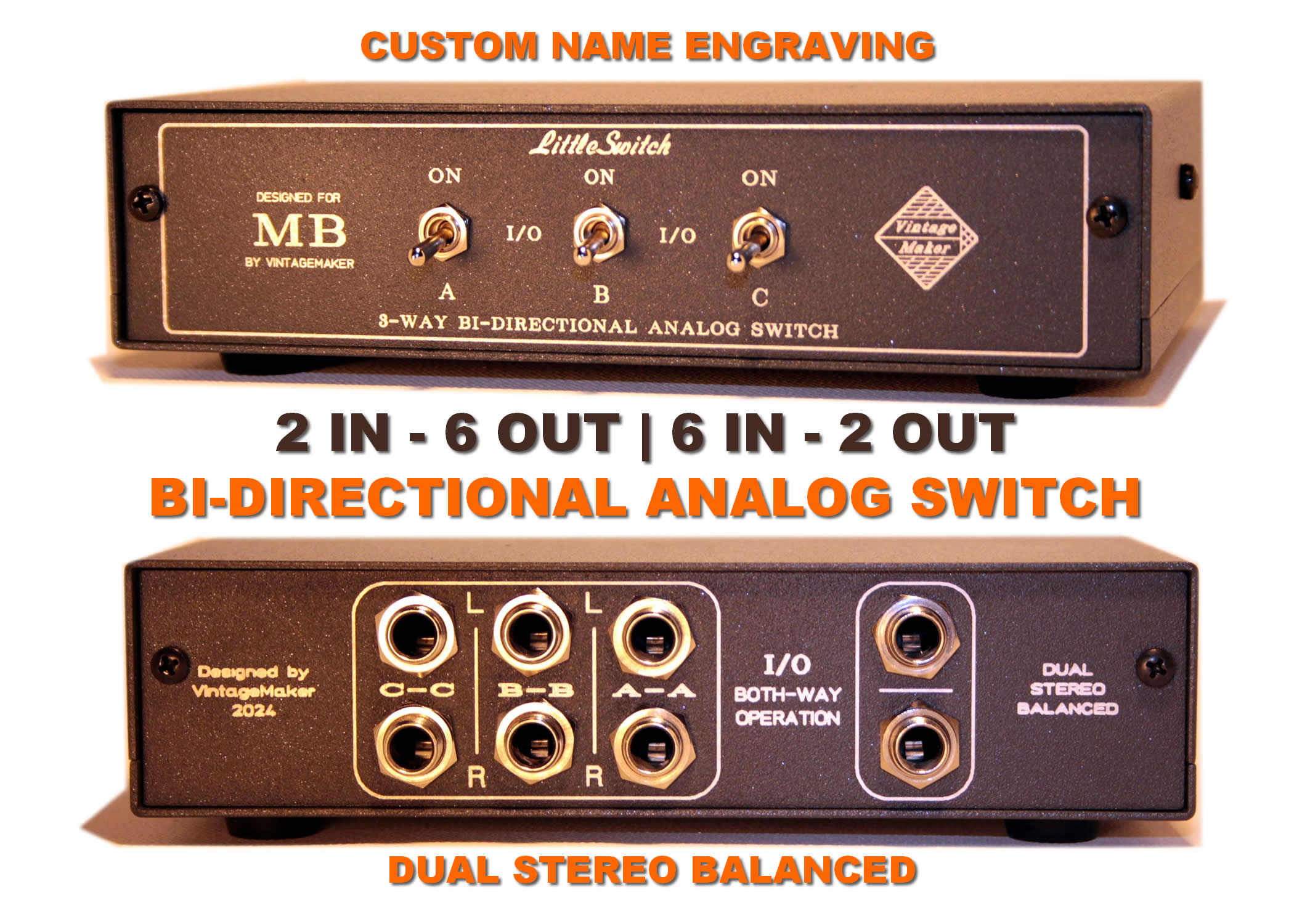
Every VintageMaker switcher uses a fully balanced dual-stereo signal path from input to output. Balanced operation helps reject electrical noise and interference, which is especially important in studio environments where multiple devices share the same power infrastructure. Because the switcher is completely stereo, balanced, and passive, the signal path contains no active components. This keeps the audio path simple and transparent while maintaining compatibility with professional balanced studio equipment.
Signal Routing Options
| Function | Description |
|---|---|
| Monitor Selection | Switch between two or more sets of studio monitors — near-field, far-field, or reference speakers |
| Source Selection | Select between multiple audio sources such as DAW outputs, synthesizers, tape machines, or reference players |
| Outboard Insert Switching | Insert or bypass hardware processors in the signal path |
| A/B Signal Comparison | Instantly compare two signal chains, mixes, or processors |
| Custom Routing | Multiple inputs to multiple outputs — custom routing configurations available |
Technical Specifications
| Specification | Details |
|---|---|
| Signal path | Fully balanced dual stereo |
| Operation | Passive — no power required |
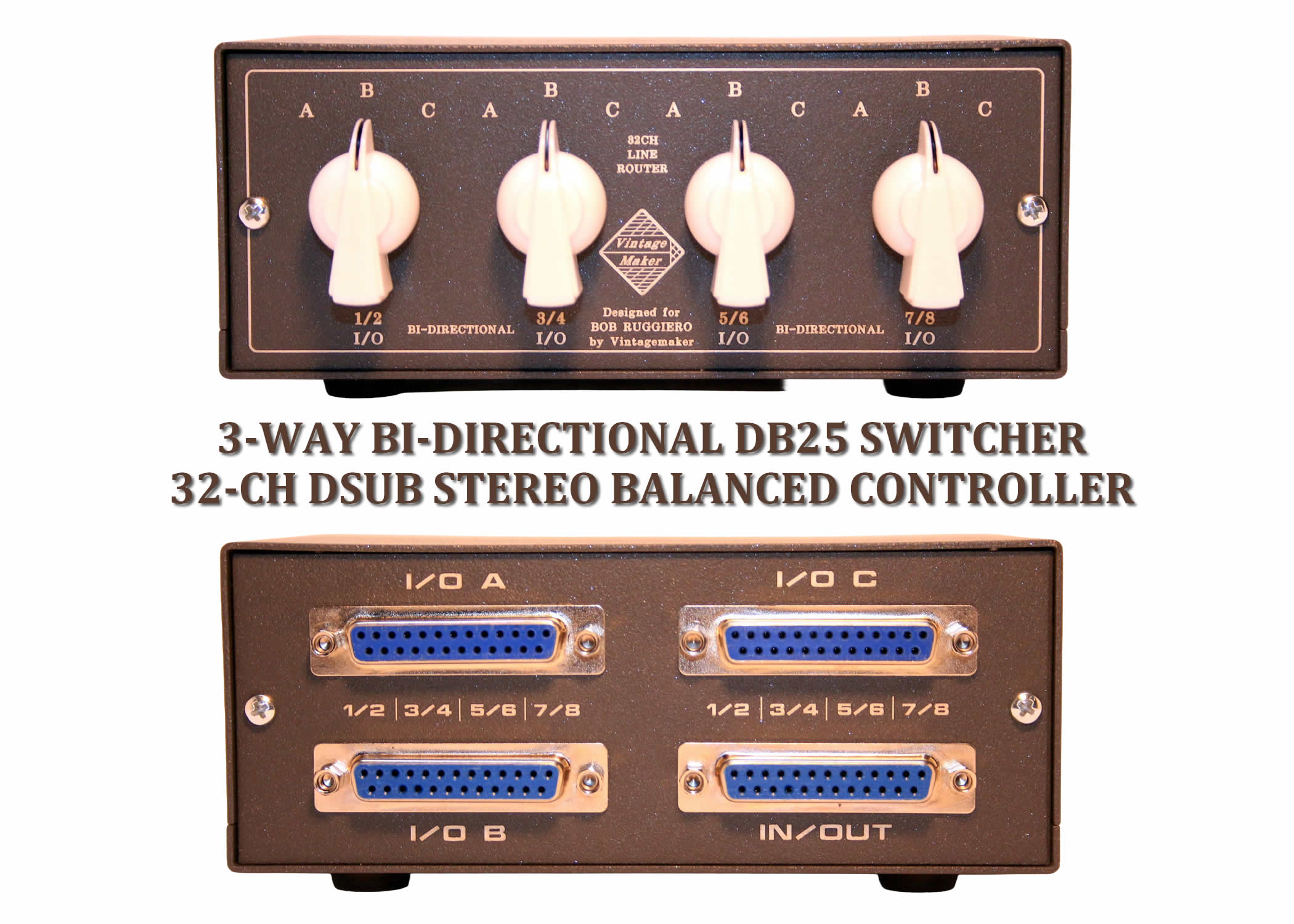
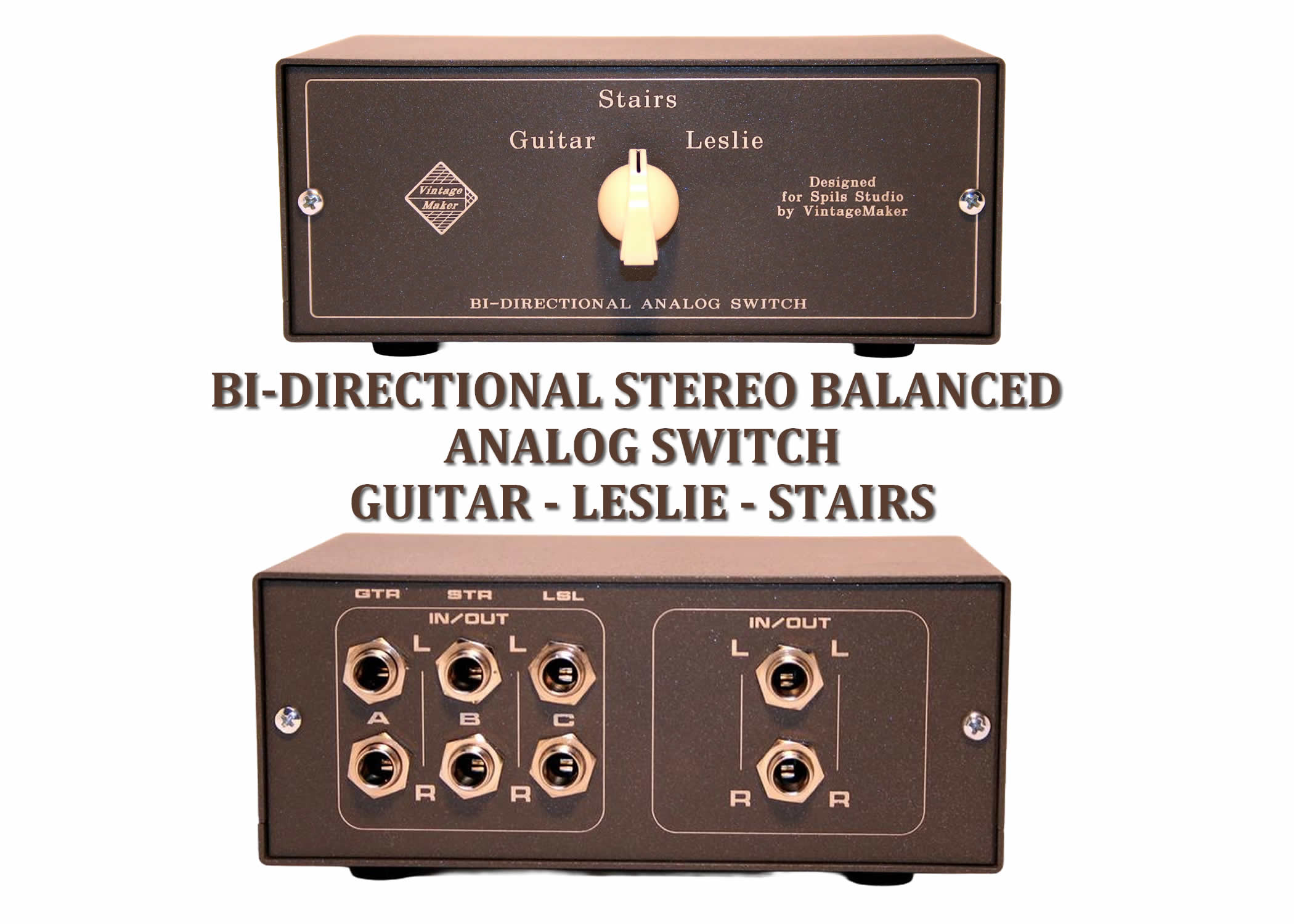
| Connectivity | DB25 (Tascam standard), XLR balanced, TRS balanced, or mixed configurations |
| Format | Desktop unit designed for studio desks |
| Switching hardware | Mechanical toggle or push switches |
| Compatible sources | DAW interfaces, synthesizers, tape machines, outboard processors |
| Compatible monitors | Yamaha, Genelec, Neumann KH, Focal, Adam Audio, JBL, Avantone, KRK, PreSonus, PSI Audio, KS Digital, Dynaudio and others |
| Custom options | Channel count, connector types, additional switching points, front panel engraving |
Audio Switcher vs Patchbay: A Cleaner Alternative
Traditional studio patchbays allow flexible signal routing, but they introduce additional connectors, cabling complexity, and potential contact issues over time. A desktop audio line switcher provides many of the same routing advantages while keeping the signal path simpler and easier to manage. Instead of repatching cables on a patchbay, switching between sources, monitors, or signal paths happens instantly with a front-panel switch. For smaller studios, hybrid setups, and desktop workstations, a passive audio switcher can function as a practical patchbay alternative without adding extra cable runs or rack hardware.
Common Studio Routing Problems an Audio Switcher Solves
Studios often run into signal routing limitations as setups grow. A passive audio line switcher solves several common workflow issues.
▸ Too many sources for one monitor chain DAW outputs, hardware synths, tape machines, and reference players often need to feed the same monitoring path. A switcher allows instant source selection without repatching cables.
▸ Switching between multiple monitor systems Many engineers use near-field monitors, far-field monitors, and a small reference speaker. A line switcher allows fast A/B comparison without touching cables.
▸ Testing hardware processors in the signal chain Outboard compressors, EQs, and tape processors are often compared against the dry signal. A switcher allows instant bypass or comparison. → see Mastering Insert Switch
▸ Reducing cable wear and patching errors Repeatedly plugging and unplugging balanced cables can lead to worn connectors and grounding problems. A dedicated switcher keeps all connections permanent.

How It Differs from a Monitor Controller
| Options | Audio Line Switcher | Monitor Controller |
|---|---|---|
| Volume control | No | Yes |
| Monitor switching | Yes | Yes |
| Source switching | Yes | Yes |
| Mono check | Yes | Yes |
| Phase tools | Yes | Yes |
| Best use | Flexible Signal routing | Vol control + Signal routing |
Custom Configurations
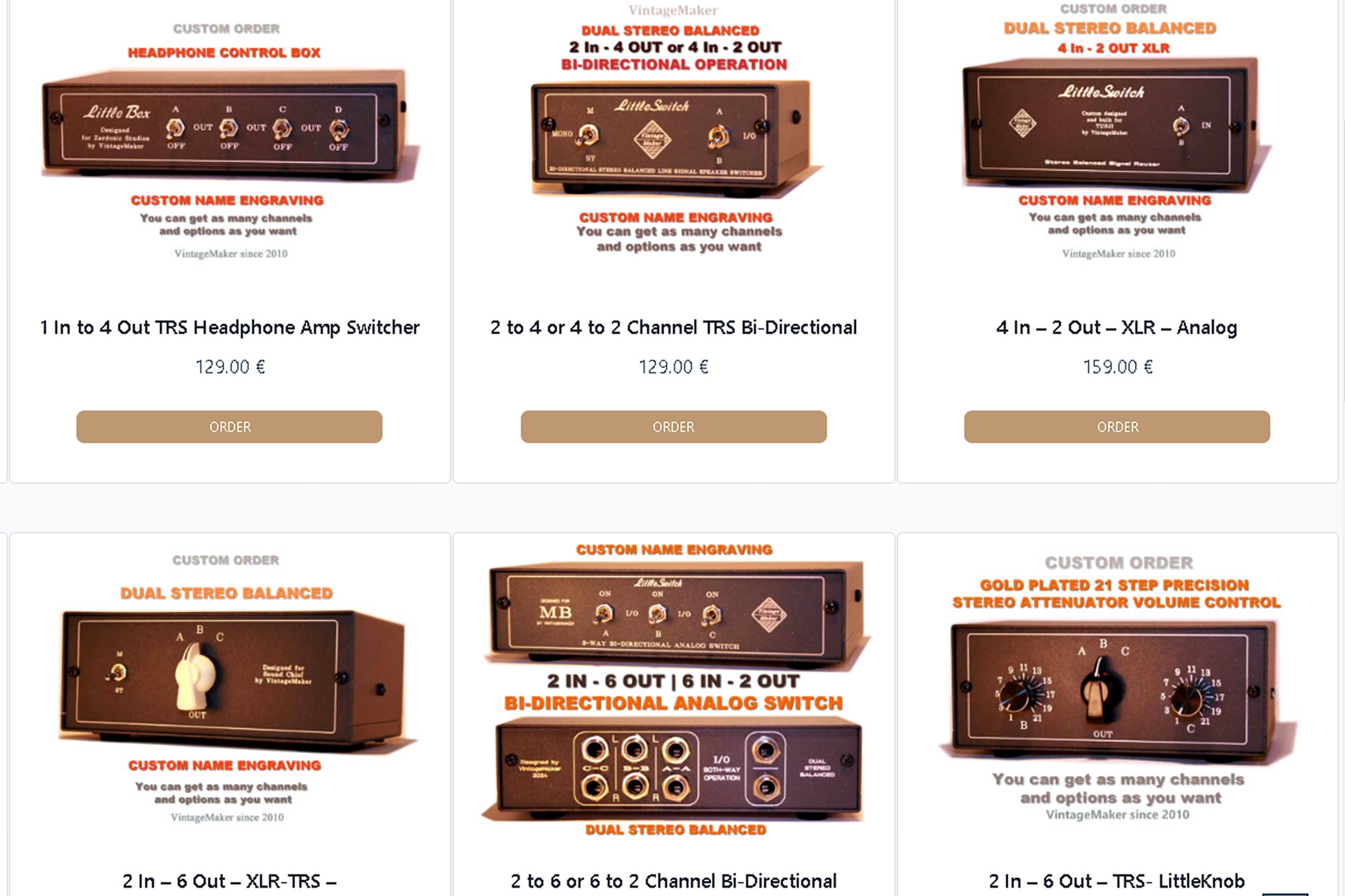
Every VintageMaker switcher is handbuilt to order. Standard configurations cover most studio setups, but custom routing solutions are also available. Options include:
- 2, 4, 6, or 8 input/output configurations
- DB25, XLR, TRS, or mixed connector panels
- custom desktop dimensions
- front panel engraving with studio name or labels
Can’t find the exact routing configuration you need? Request custom build!
FAQ — Studio Audio Line Switcher:
Will the switcher affect my stereo image?
No. Passive switching has no connection between Left and Right channels, means the stereo image passes through unchanged. What goes in comes out — the switcher changes routing only, not the signal itself.
What does “fully balanced dual-stereo signal path” mean in a switcher?
The left and right channels are handled completely independently through separate balanced circuits from input to output. There is no shared circuitry between channels — which means no crosstalk, no stereo image degradation, and no interaction between L and R sides regardless of which routing position is selected.
Does a passive switcher need a power supply?
No. The unit is entirely passive — no active circuitry, no gain stages, no power supply required. This also means nothing in the signal path can add noise, coloration, or interference.
What is the difference between monitor switching and source selection?
Monitor switching routes one signal to different outputs — for example, switching between near-field and far-field monitors. Source selection routes different inputs to one output — for example, switching between DAW output, a hardware synth, and a tape machine feeding the same monitor chain. Both functions can be combined in a single unit.
What switching topologies are available?
The most common configurations are monitor switching (one input, multiple outputs), source selection (multiple inputs, one output), insert switching (bypass or engage outboard gear), and A/B comparison (two signal paths compared instantly). Custom routing topologies with multiple inputs and multiple outputs are also available on request.
Is a desktop line switcher better than a patchbay for monitor routing?
For dedicated monitor and source switching, yes. A patchbay requires manual repatching of cables for each routing change. A line switcher keeps all connections permanently wired and changes routing instantly with a front-panel switch — with a shorter signal path and no additional connectors in the chain.
Can it be used with any studio interface?
Yes. The switcher is compatible with any balanced line-level output — DAW interfaces, hardware synths, tape machines, outboard processors, and monitor controllers. Available in TRS, XLR, or DB25 Tascam configurations to match your existing cabling infrastructure.
Is every unit the same or can it be customised?
Every unit is handbuilt to order using high-quality components and durable switching hardware. Standard configurations cover most studio setups, but custom input/output counts, connector types, additional switching points, and front panel engraving are all available on request.
Looking for full range Desktop Switcher?
→ Browse Desktop Audio Line SwitchersNeed a Custom Switching Solution?
Custom input/output count, XLR, TRS or DB25 connectivity, dim switch, mute, mono — contact me and I’ll build it to your exact studio requirements.
Request Custom Build